Getting Started
Before using the Workflow Editor, choose a deployment path on the Maize Setup page: either the single-script Maize MVP approach or the manual per-repository setup.
Available processors depend on your deployment; administrators can ship predefined processor definitions during deployment (see Model Repository Setup).
Accessing the Workflow Editor
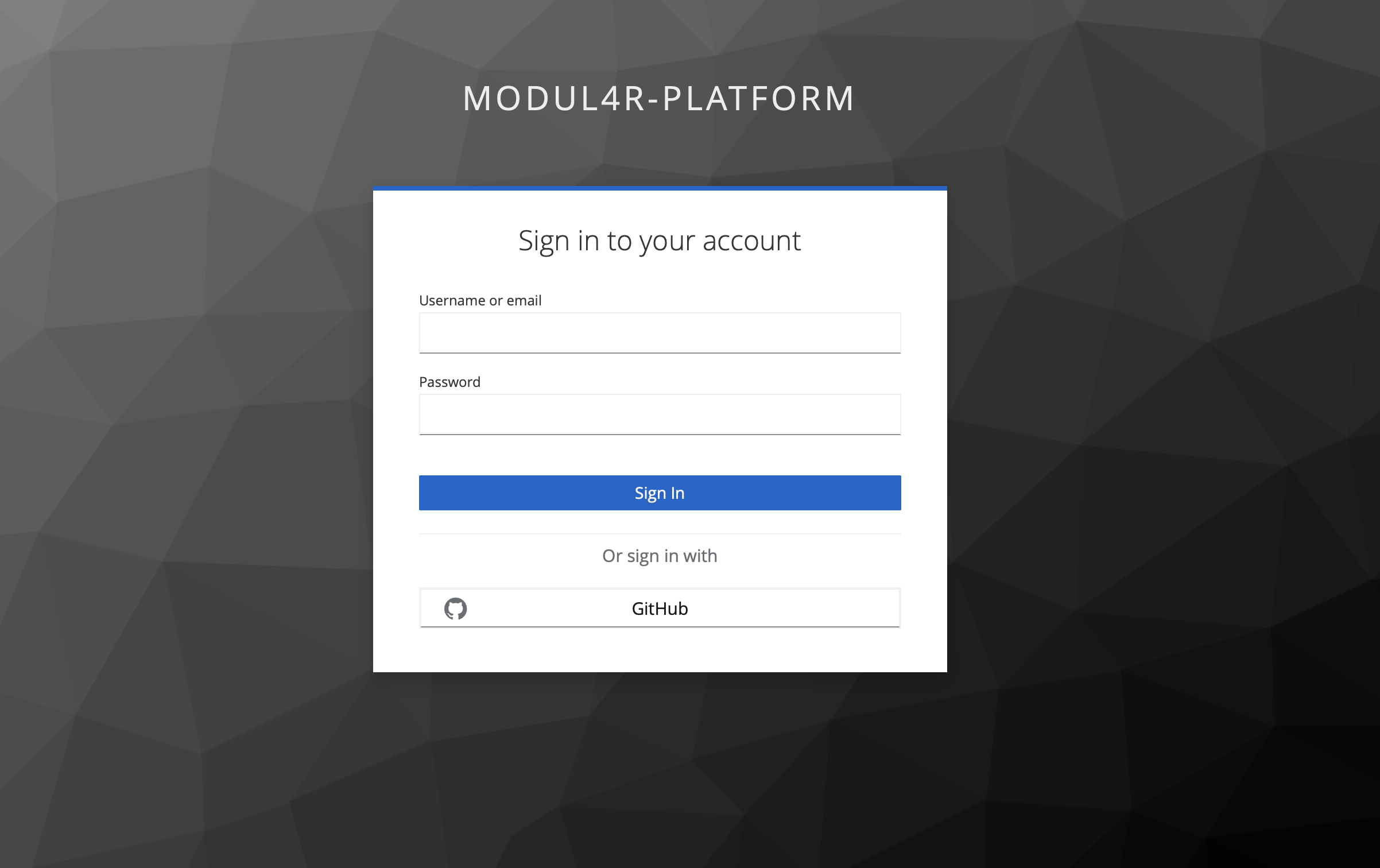
To access the Workflow Editor, you log in using Keycloak. The exact login options depend on how your Keycloak realm is configured (for example, username/password, or an external identity provider such as GitHub if enabled).
For the backend API calls used by the editor, the JWT token must include a userId claim, otherwise the backend cannot resolve the current user and requests will fail.