Creating Data Models
This page documents the current Warehouse behavior implemented in the frontend.
Warehouse Tabs And Access
Warehouse shows these tabs:
- Workflows
- Digital Resources
- Workers
- Data Kinds
- Processor Definitions (admin only)
- Data Interface Types (admin only)
Non-admin users do not see the admin tabs.
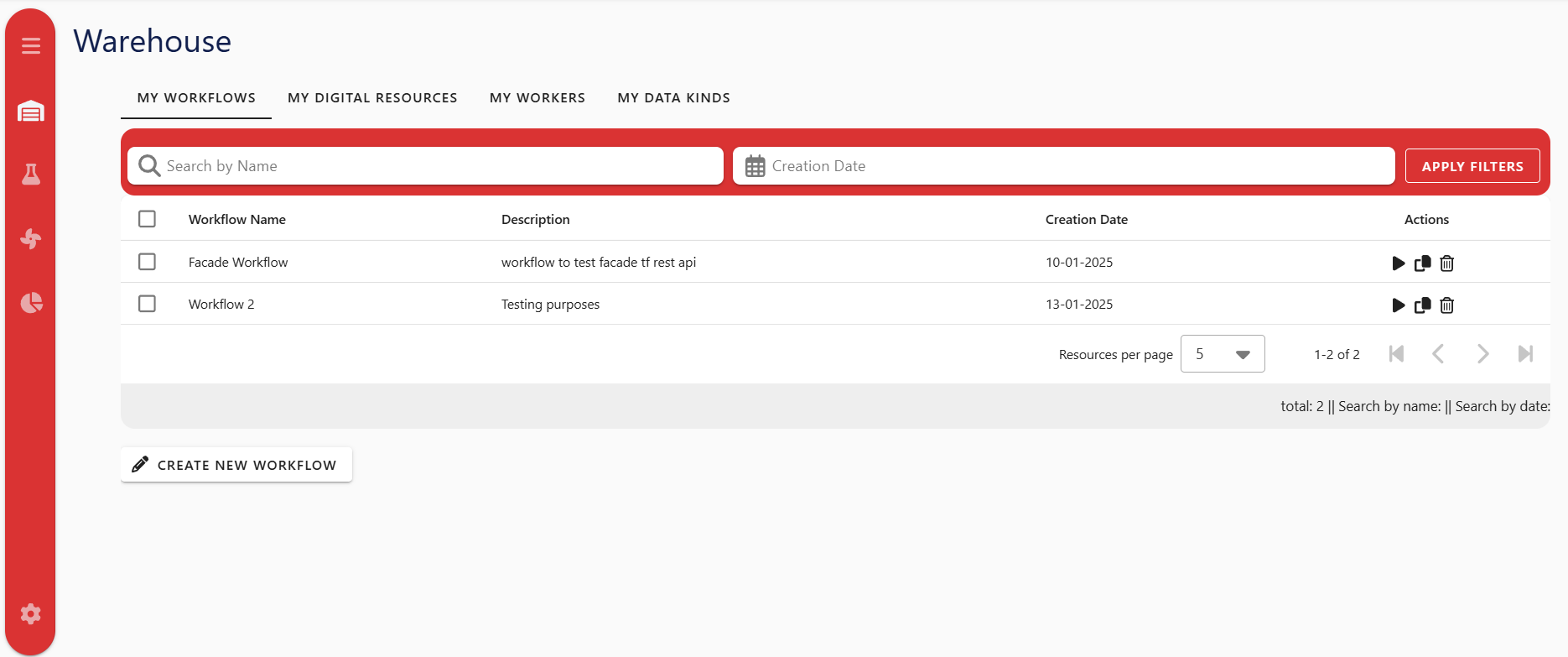
Screenshot note: actions and dialog styling may differ slightly from older captures.
Recommended Creation Order
- Initialize resources in Settings (Required, admin only).
- Data Interface Types (Required for Digital Resources).
- Processor Definitions (Required for processor node types in Lab).
- Data Kinds (Optional, but recommended for DR metadata).
- Digital Resources (Required for processor inputs/outputs).
- Workers (Required for most processors, unless specific existing-infrastructure mode is used).
- Workflows and processor nodes in Workflow Lab.
Why this order: each later object depends on IDs and templates created earlier (for example Digital Resources depend on Data Interface Type parameter templates).
Warehouse Entity Matrix
| Entity | What it is | Where created/managed | Required fields / dependencies | Optional fields | Validation behavior (UI vs save logic) | Common pitfalls |
|---|---|---|---|---|---|---|
| Workflow (PO) | Saved workflow orchestration object that stores DAG config and graph (nodes/edges). | Listed in Warehouse, created/edited in Lab. | Name; schedule only when requires_scheduler=true; valid graph references. | Description, many DAG fields. | Save/Update is blocked in Lab until name exists, and schedule exists when scheduler is enabled. | Users expect Warehouse to create workflow directly; actual creation flow starts in Lab. |
| Data Interface Type (DIT) | Interface template describing parameter schema for connection types. | Warehouse admin tab. | Name, description, interfaceCategory. | logstashCompatible, parameter defaults/metadata. | Inputs are marked required in UI, but Warehouse form submission is not blocked client-side by field validators. | Non-admin users cannot access this tab. |
| Digital Resource (DS) | Instantiated data endpoint/source/sink with actual parameter values. | Warehouse tab (also creatable from PM form and Lab transfer flow). | Name, description, selected Data Interface Type, interface parameters. | Data Kind link. | DS parameter fields are shown only after selecting a Data Interface Type. | Parameter fields do not appear until a Data Interface Type is selected. |
| Data Kind (DK) | Data metadata descriptor. | Warehouse tab. | Name, description, modelType, quantityKind, format. | None in UI. | Fields are marked required visually; final acceptance depends on backend validation. | quantityKind spelling must match backend contract even though UI labels it normally. |
| Asset Category (Worker) | Category template that defines worker parameter schema. | Not managed in Warehouse UI; discovered during inventory initialization. | Must exist in backend (created by Initialize Resources flow). | N/A. | Missing category is detected during inventory init and sets needsInitialization. | If missing, worker management is blocked and Warehouse shows initialization warning. |
| Asset (Worker) | Execution target used by processor nodes. | Warehouse tab. | Name, description, worker parameter values from Worker asset category. | Tags parameter (if provided by template). | Worker form values are template-driven; frontend auto-sets assetCategoryID during save/update. | Hidden worker params (e.g. ssh user, ssh public key) are not shown in form; table also hides ip/ip address. |
| Processor Definition (PD) | Catalog entry for processor type/preset shown in Lab. | Warehouse admin tab. | Name, description, processorType, processorLocation, version; location-specific field (projectName or containerImage). | Icon, copyright, parameter defaults. | Conditional location fields are shown in UI; required behavior is effectively backend-validated. | Non-admin users cannot access this tab; missing/incorrect parameter keys affect PM form behavior. |
| Processor node (PM) | Runtime processor instance in a workflow graph. | Created in Lab (button/drag/drop). | Processor Definition reference; worker unless existing-infrastructure mode is enabled for eligible processors. | Description, params, DS input/output lists. | PM form enforces worker assignment in code when infrastructure toggle is off. | Users may confuse definitions (catalog) with instances (nodes). |
| Workflow Template (WT) | Reusable lightweight graph template (nodes, edges, processor refs). | Saved in Lab, instantiated/managed from Warehouse Workflows tab. | Template name. | Description. | Template save is blocked in Lab if name is blank. | Edit/Delete allowed only for admin or template owner. |
How To Create Each Entity
Workflows
- Open Warehouse -> Workflows.
- Click Create New Workflow to open Lab, or choose Create Workflow from Template.
- Configure and save from Lab.
Data Interface Types (Admin)
- Open Warehouse -> Data Interface Types.
- Click Add Data Interface Type.
- Fill:
name(required)description(required)interfaceCategory(required)logstashCompatible(optional switch)- parameter list entries (
name,key,type,defaultValue, optional description)
- Save.
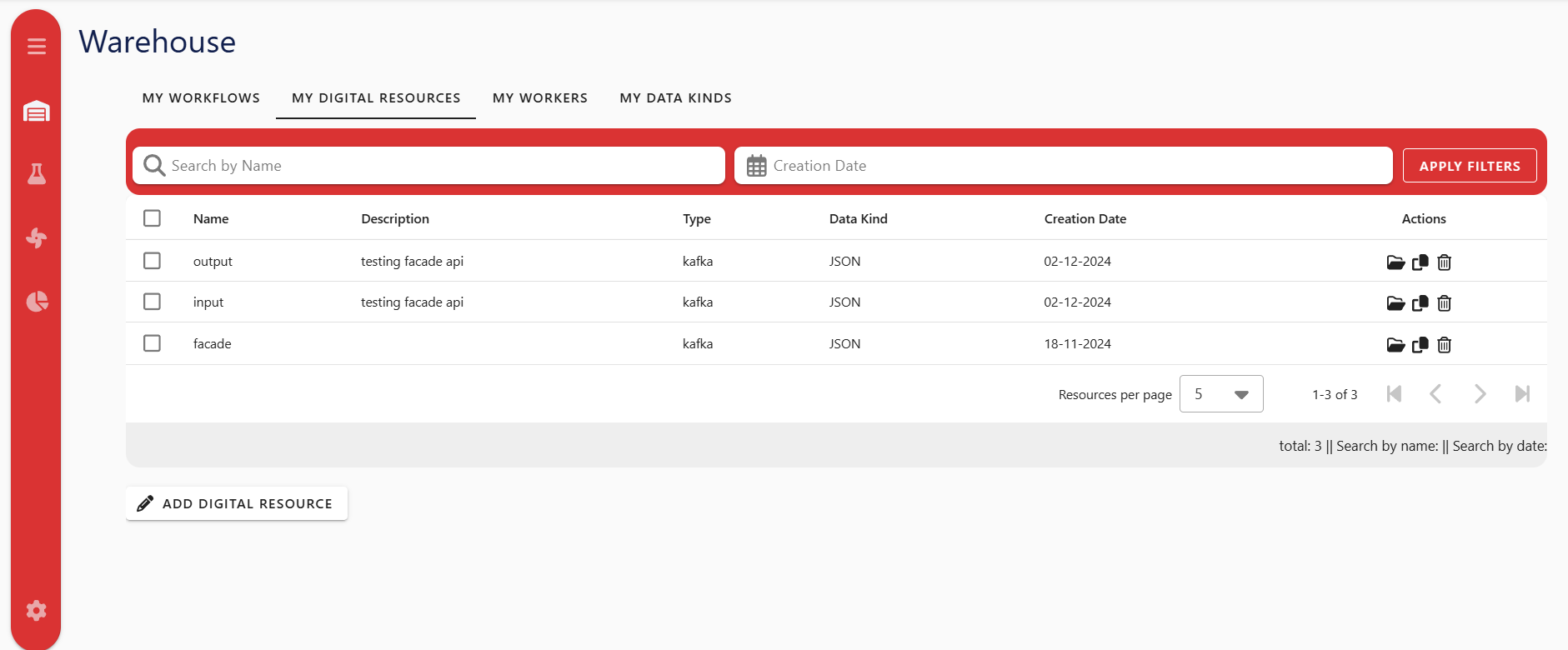
Digital Resources
- Open Warehouse -> Digital Resources.
- Click Add Digital Resource.
- Fill:
name(required)description(required)dataInterfaceTypeID(required)- interface parameter values (required by selected template)
dataKindID(optional)
- Optional: click Use Defaults to populate parameter values from template defaults.
- Save.
Data Kinds
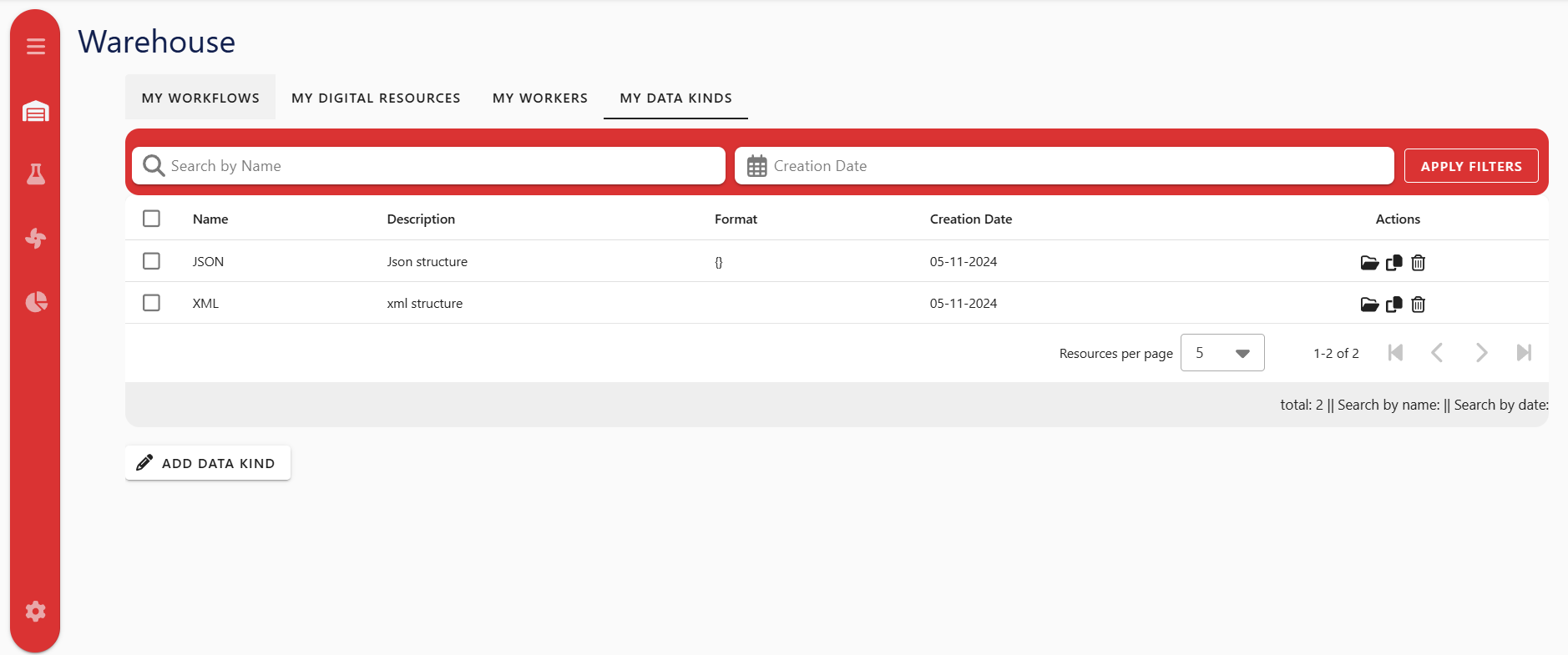
- Open Warehouse -> Data Kinds.
- Click Add Data Kind.
- Fill
name,description,modelType,quantityKind,format. - Save.
Workers
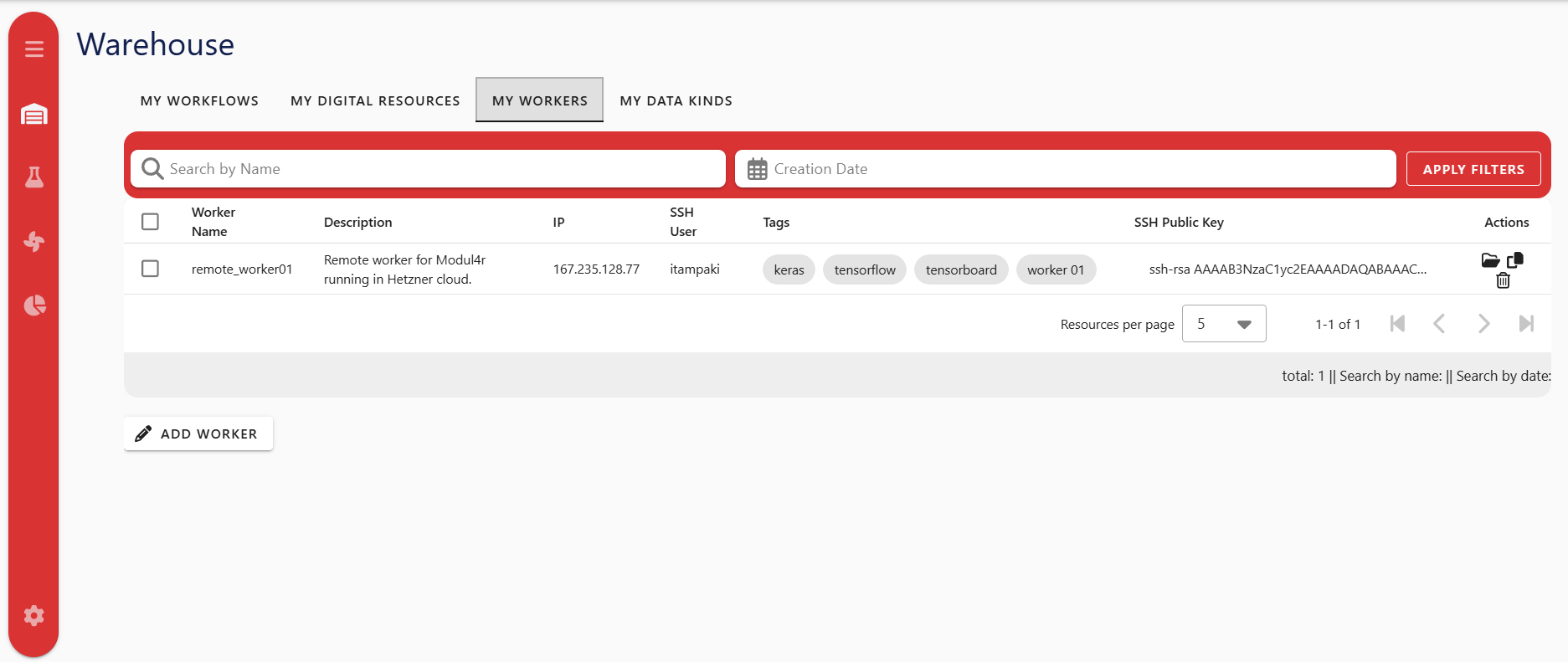
- Open Warehouse -> Workers.
- Click Add Worker.
- Fill
name,description, and category-driven parameter values. - If template exposes tags, add tags in the dedicated tag control.
- Save.
Processor Definitions (Admin)
- Open Warehouse -> Processor Definitions.
- Click Add Processor Definition.
- Fill required core fields and location-specific value:
processorLocation = Local Deployment-> setprojectNameprocessorLocation = Remote Deployment-> setcontainerImage
- Define parameter list entries that processor instances will consume in PM form.
- Save.
Relationship Map
Relationship Table
| From | To | Relationship | Required? | Where used |
|---|---|---|---|---|
| Data Interface Type | Digital Resource | DS parameter schema/template source | Yes | Warehouse DS form, Lab DS display, PM env var derivation |
| Data Kind | Digital Resource | DS semantic classification | No | Warehouse listing and DS metadata |
| Asset Category (Worker) | Asset (Worker) | Worker parameter template and category binding | Yes | Worker form and backend worker creation |
| Processor Definition | Processor node | Node type + parameter template | Yes | Lab flow editor and PM form |
| Worker Asset | Processor node | Execution target (assetID) | Usually yes | PM form and deployment runtime |
| Digital Resource | Processor node dataInput | Input data binding | Depends on processor/use case | PM form + flow connections |
Processor node dataOutput | Digital Resource | Output data binding | Depends on processor/use case | PM form + flow connections |
| Workflow | Nodes + edges + processor refs | Full orchestration container | Yes | Save/Update/Run lifecycle |
Troubleshooting
- Workers are not available / initialization warning is shown: Go to Settings and run Initialize Resources as admin.
- Admin tabs are missing: Your account is not detected as admin by role mapping.
- Digital Resource parameter fields are empty: Select a Data Interface Type first.
- Worker fields seem incomplete: Some parameters are intentionally hidden in UI (
ssh user,ssh public key; worker table also hidesip/ip address). - Template edit/delete buttons not visible: Only admins or template owners can edit/delete templates.