Airflow
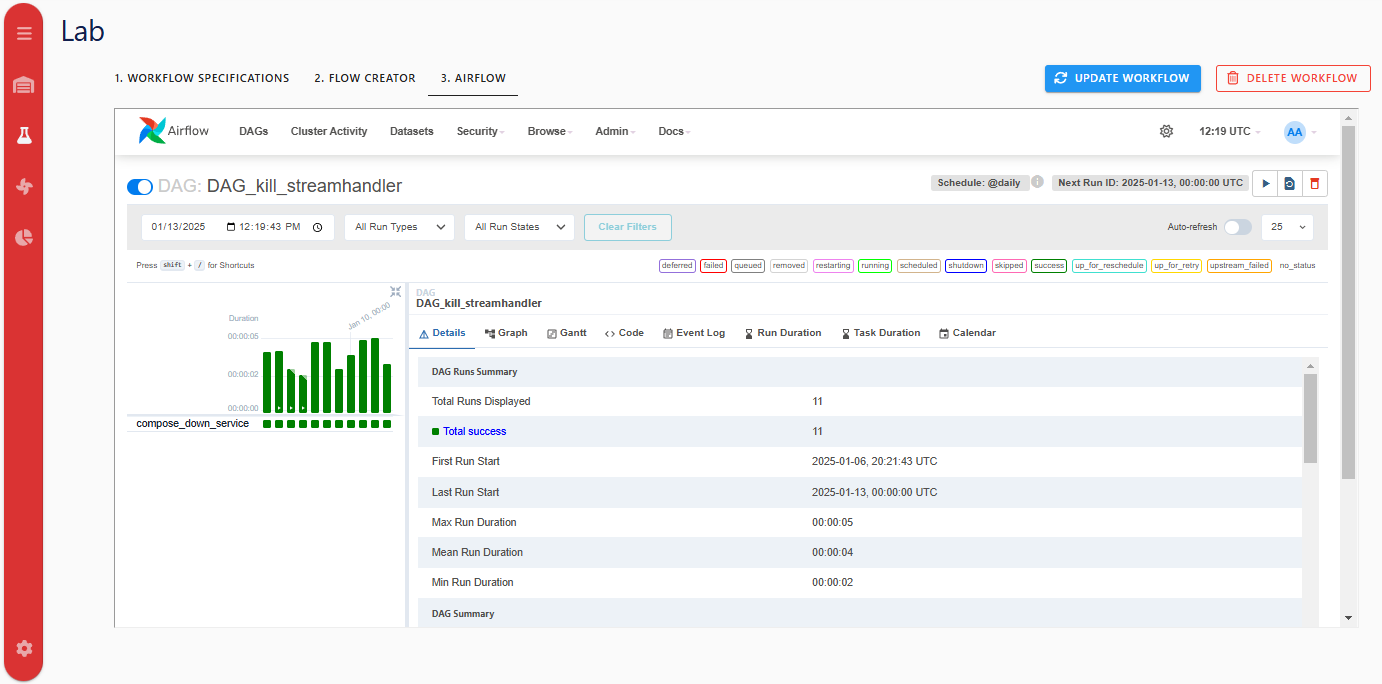
The editor exposes Airflow in two places:
- Sidebar Airflow DAGs page: opens the Airflow home UI in an iframe.
- Lab -> Airflow tab (for a selected workflow): embeds workflow-specific DAG grid views with a toggle between:
- Deployment
- Teardown
Workflow Runtime Actions
For saved workflows:
- Run triggers the deployment DAG.
- Stop triggers teardown DAG.
What To Expect
- Unsaved workflows cannot be inspected in the Lab Airflow tab.
- After save/update, workflow DAGs may take up to two minutes to appear and become runnable.