Details & scheduling
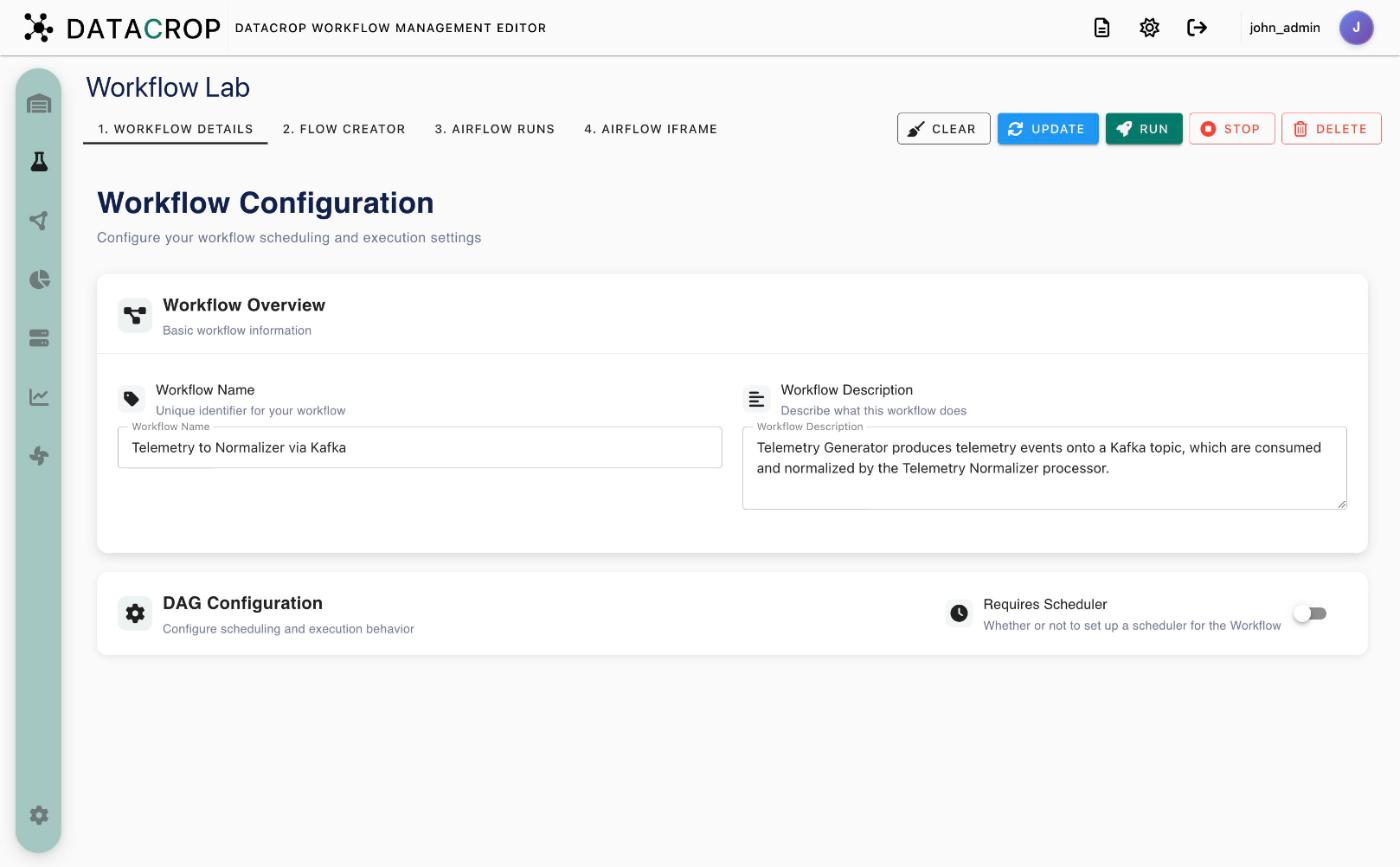
1. Workflow Details has two cards.
Workflow Overview
- Workflow Name — required to save. It also names the generated DAGs.
- Workflow Description — optional.
DAG Configuration
- Requires Scheduler — off: the workflow runs only when you click Run. On: Airflow runs it on a schedule.
- With the scheduler on you must set a Schedule (cron expression, with a cron editor), and can set Catchup (run missed intervals), Start date and End date.
What a "run" means
Each run executes the deployment DAG: it (re)starts the workflow's processor containers on their workers. Processors that run continuously (consumers, generators) keep running after the DAG finishes, until you Stop the workflow. Scheduling is therefore most useful for batch-style processors that do their job and exit.
Save is blocked while the name is empty, or while Requires Scheduler is on without a schedule.