Workflow Lab
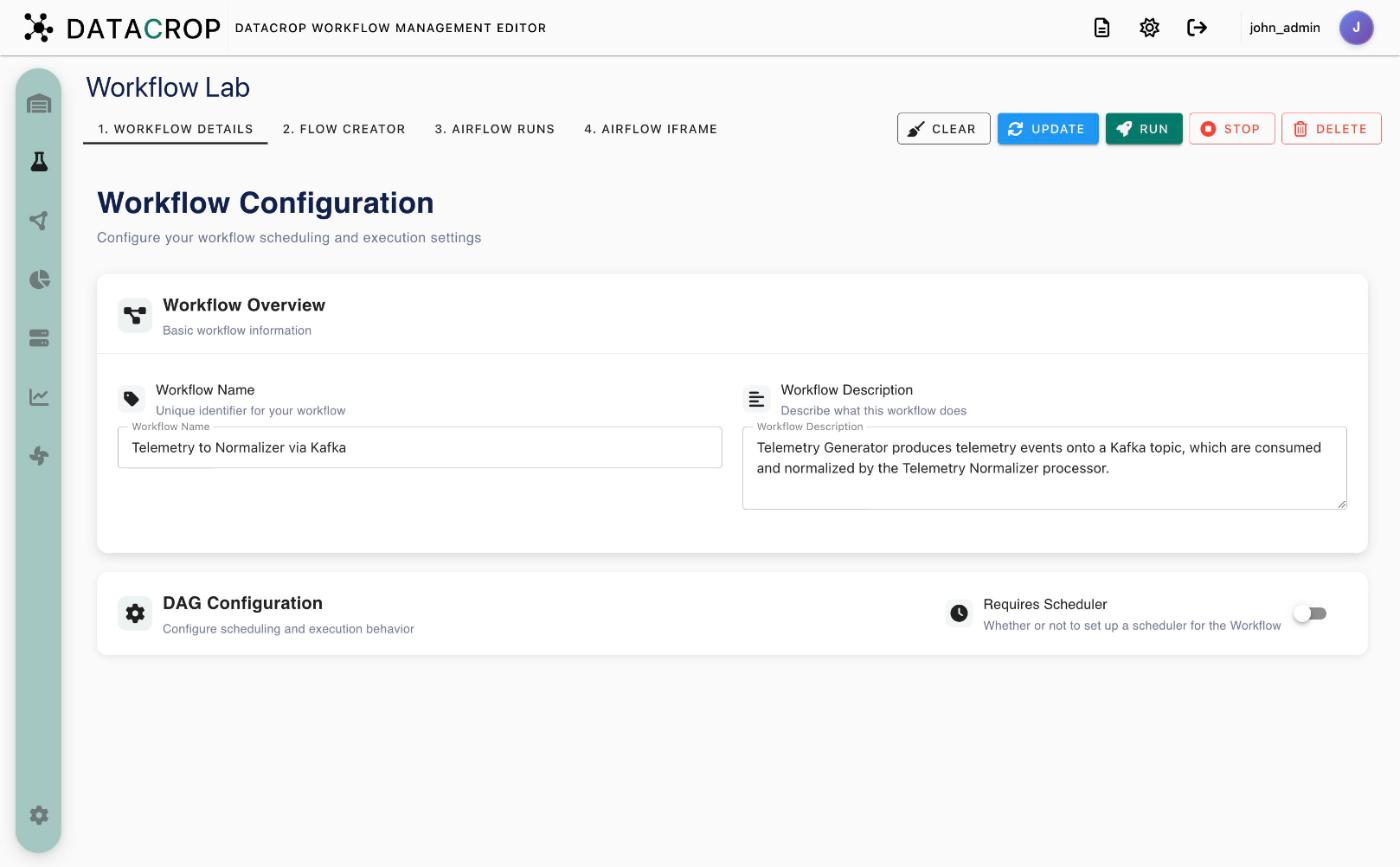
The Workflow Lab edits one workflow at a time. Open it with Warehouse → Workflows → Create New Workflow, by clicking a saved workflow, or from a Workflow Assistant draft.
Tabs
| Tab | Use it to | Page |
|---|---|---|
| 1. Workflow Details | Name, description and scheduling | Details & scheduling |
| 2. Flow Creator | Draw the graph and configure processors | Flow creator, Configuring processors |
| 3. Airflow Runs | Deployment / teardown history and step logs (saved workflows) | Run and monitor |
| 4. Airflow iframe | The workflow's DAG grid in Airflow (saved workflows) | Run and monitor |
Toolbar
| Button | Action |
|---|---|
| Save (green) / Update (blue) | Persist a new / existing workflow and regenerate its DAGs |
| Run | Trigger the deployment DAG |
| Stop | Trigger the teardown DAG |
| Delete | Delete the workflow (and its DAGs) |
| Clear | Reset the editor to an empty workflow |