Workflows & templates
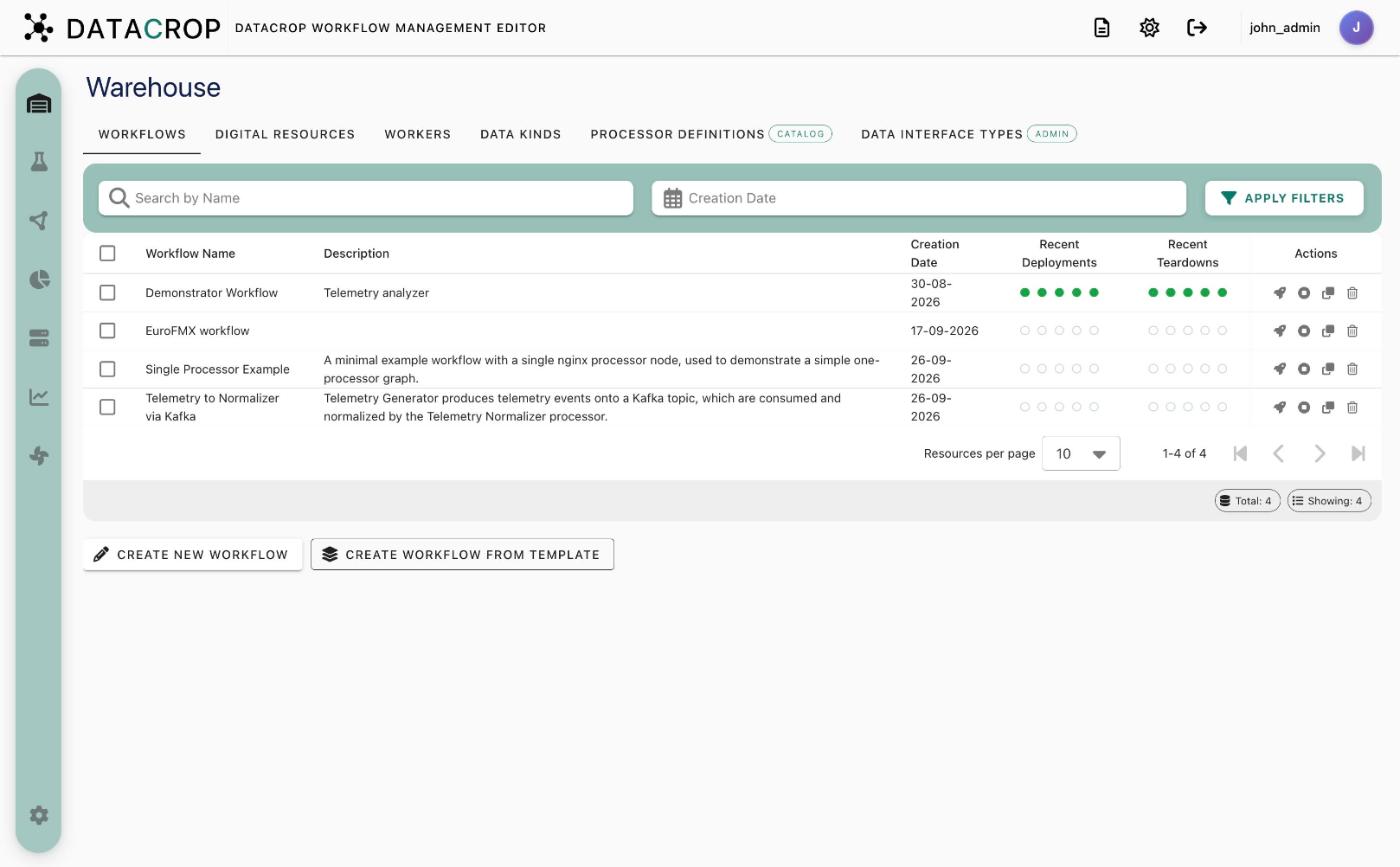
Warehouse → Workflows lists your saved workflows with their description, creation date and the outcome of the last five deployments and teardowns.
Create
- Create New Workflow opens an empty Workflow Lab.
- Create Workflow from Template lists your templates. Pick one to start a new workflow from its graph. Template owners and administrators can also edit or delete templates here.
Open
Click a workflow row to load it in the Lab with its details, graph, processor forms and Airflow tabs.
Deploy and stop
The rocket icon (Deploy) runs the workflow's deployment DAG; the stop icon runs its teardown DAG. This is the same as Run and Stop in the Lab. A newly saved workflow takes a few seconds to become runnable while Airflow loads its DAG.
Templates
Save any graph as a template from the Lab (Save as Template, bottom right of the canvas). Templates store the nodes and edges with their processor definition references, not the deployment state, so they are a quick way to stamp out similar workflows.