Settings
Open Settings from the bottom of the rail or by clicking your initials. Changes in most sections are persisted with Save Settings.
Appearance & Theme
- Theme mode — light, dark or system.
- Primary color — Red, Blue, Green, Beige, Orange, Teal, Indigo, Pink or Grey. Applied immediately; persisted with Save Settings.
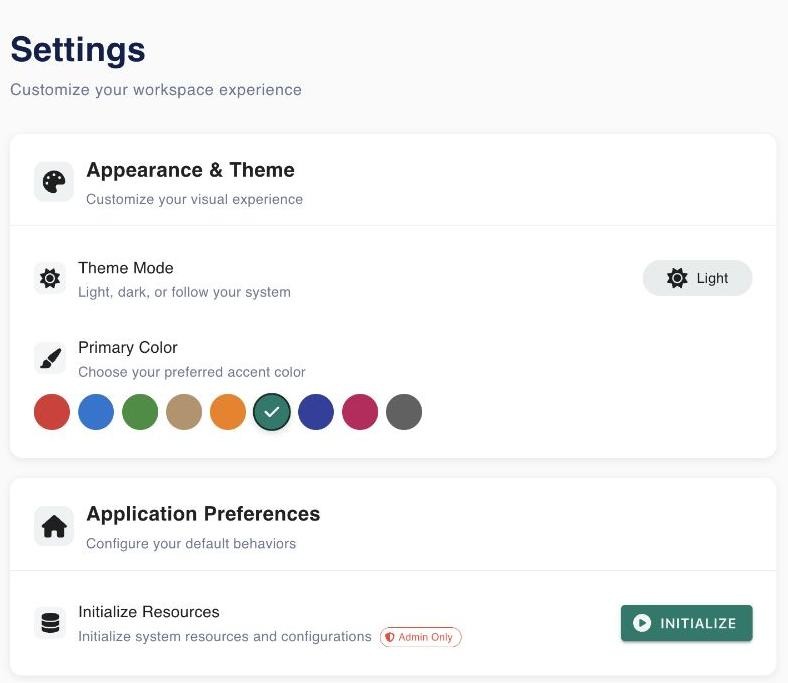
Application Preferences
Initialize Resources
Admin only. Initialize seeds the catalogue for your user:
- the 9 data interface types and 9 data kinds,
- the Worker asset category,
- the built-in Logstash Pipeline and your own copies of the bundled GitHub processors (plus any
extra-processors.jsonthe administrator shipped), - then imports the Celery workers visible in Flower.
It is safe to run again. Run it once for every user who will build workflows.
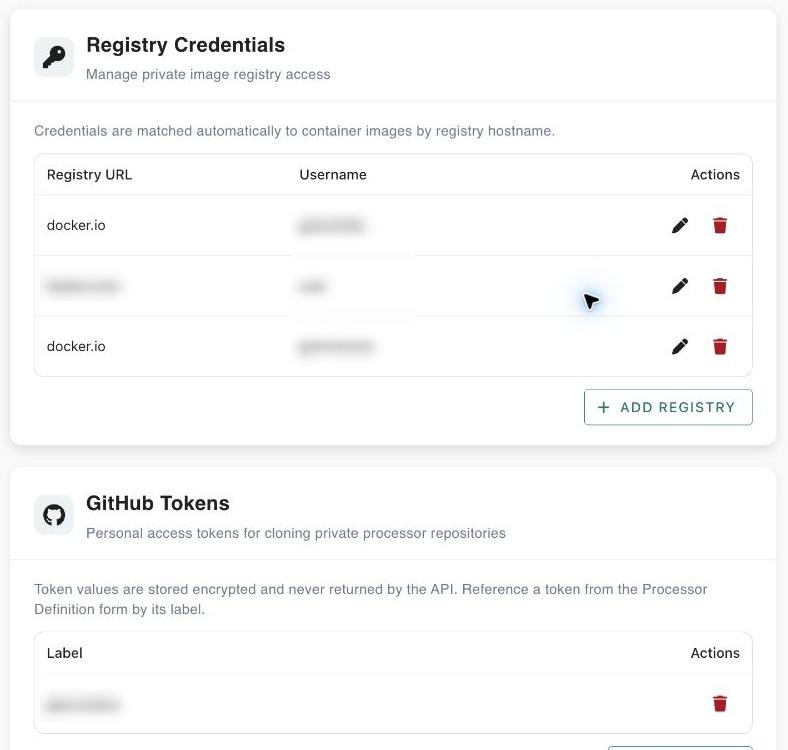
Registry Credentials
Credentials for pulling single-container processor images from private registries. Presets for Docker Hub (docker.io), GitHub Container Registry (ghcr.io), GitLab (registry.gitlab.com) or a custom URL.
- Required: registry URL and username; a password/token for new entries.
- Stored tokens are masked (
********); leave the field empty when editing to keep the stored value. - The deployment DAG logs in to the registry before
docker run.
GitHub Tokens
Personal access tokens for private processor repositories. Give each token a label; select it as Access token in a processor definition's Runtime step. Only labels are ever shown back.
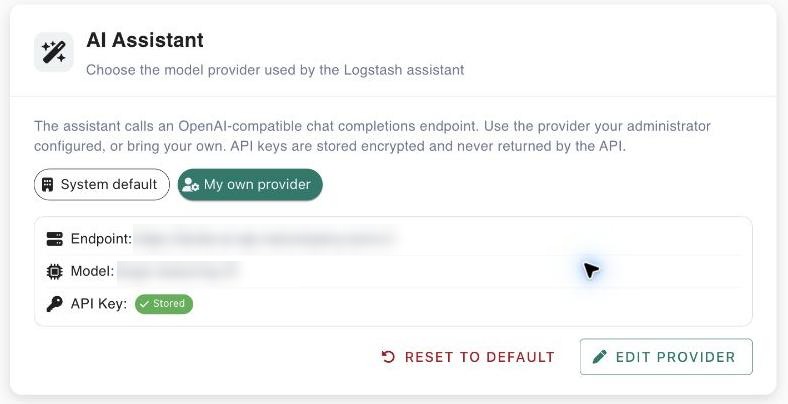
AI Assistant
Which model the AI features use:
- System default — the server-wide provider configured by the administrator (endpoint and model are shown).
- My own provider — any OpenAI-compatible chat-completions endpoint: Base URL, Model and API Key. Presets: OpenAI (
gpt-4o-mini), Groq (llama-3.3-70b-versatile), Together (meta-llama/Llama-3.3-70B-Instruct-Turbo), OpenRouter (openai/gpt-4o-mini), local Ollama/vLLM (llama3.1) or custom. Use Test connection to verify it.
API keys are stored encrypted and never returned by the API. The Workflow Assistant needs a model that supports tool calling.
User Profile
Read-only data from your Keycloak token: name, username, email, roles, admin flag and user ID.
Where settings are stored
Settings are saved per user in the backend; secrets (registry passwords, GitHub tokens, AI keys) are encrypted with AES-256-GCM. If the backend is unreachable, appearance settings fall back to the browser's local storage.