Logstash Monitor
Logstash Monitor (the Pipeline Monitor) lists every Logstash Pipeline processor you own and what Logstash reports about it.
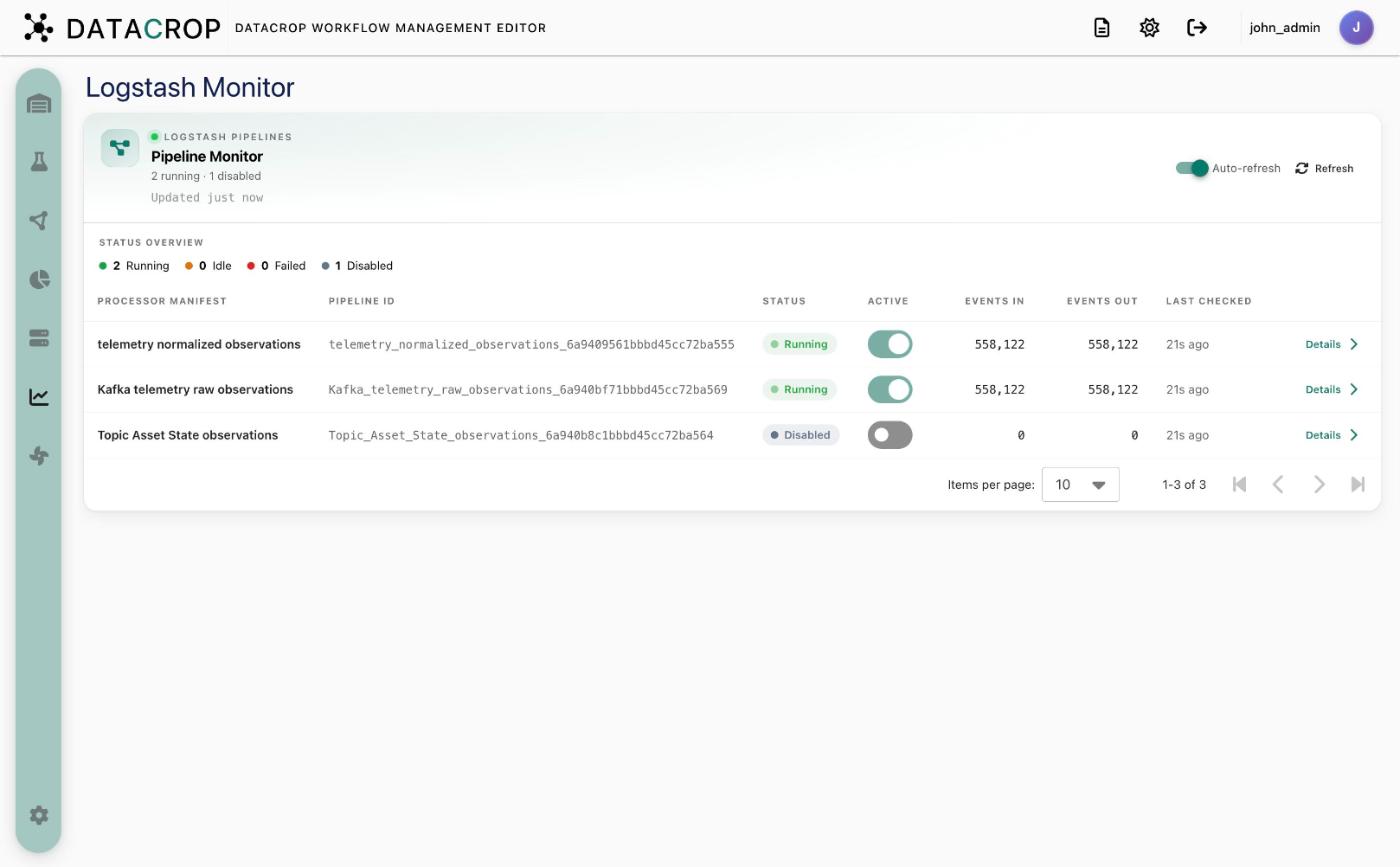
- Status overview — counts of Running, Idle, Failed, Disabled and Orphaned pipelines.
- Table — Processor manifest, Pipeline ID, Status, Active toggle, Events in, Events out and Last checked.
- Details — reload successes and failures for a pipeline.
- Auto-refresh and Refresh.
The Active toggle pauses or resumes a pipeline exactly like the toggle on its node in the Flow Creator. Orphaned pipelines (files left for processors that no longer exist) can be cleaned up from here.